Avatar Switcher
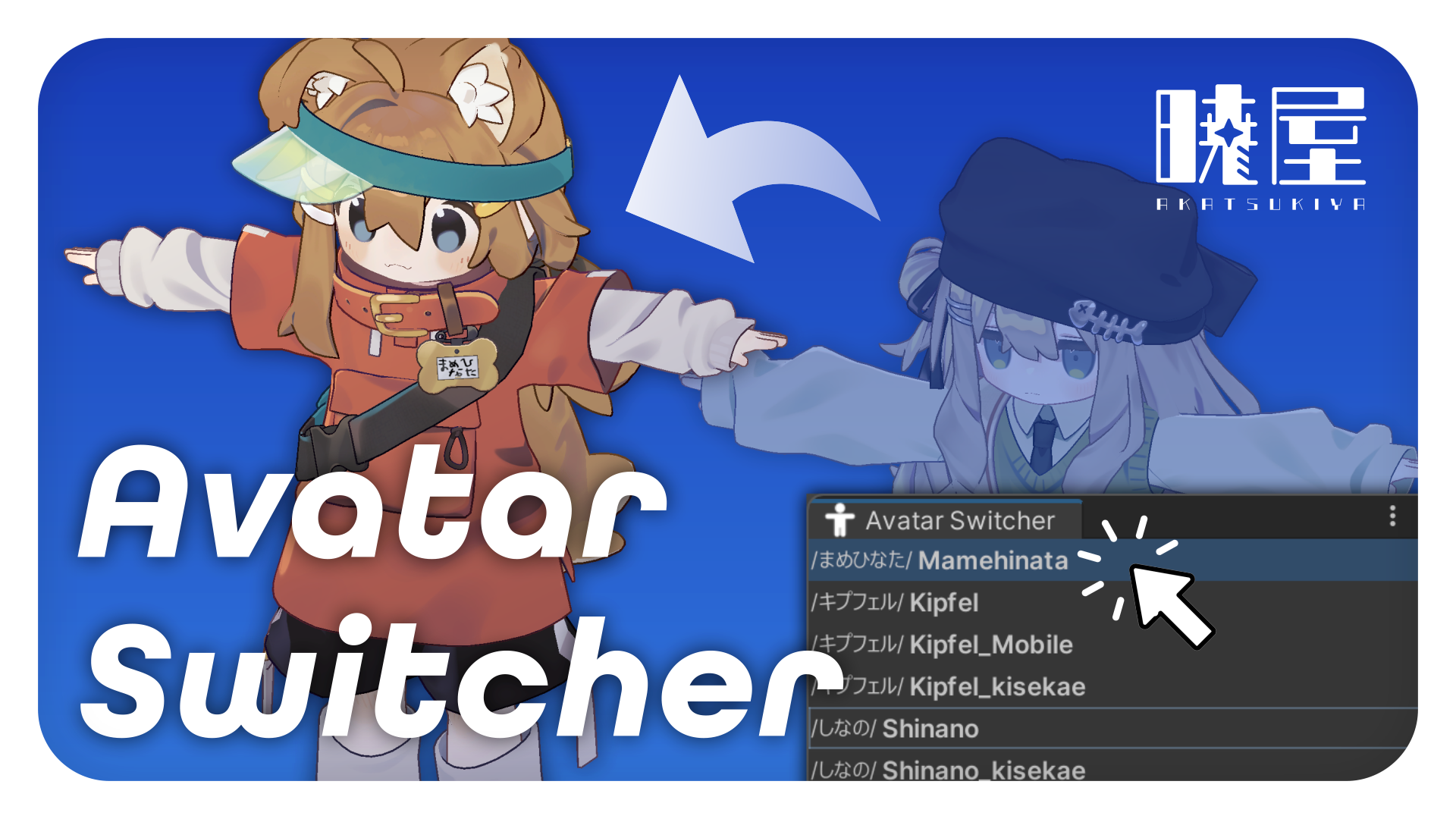
【Overview】
- A Unity Editor extension that detects VRChat avatars in the Hierarchy, lists them, and switches
IsActive. - Adds a way to toggle a GameObject’s
IsActiveby clicking the left-edge icon area of each Hierarchy row. - Distributed as a VPM package. In VCC, add
https://vpm.noctlab.com/vpm.jsonto install it.
【Supported Languages】
【Required Dependency】
com.vrchat.avatars>=3.5.0
【Usage】
Avatar Switcher Window
- Open or close the window from Unity’s menu at
Tools/AKATSUKIYA/Avatar Switcher, or pressShift+A. - Click an avatar row in the list to toggle the active state of its GameObject.
- Hold
CtrlorShiftwhile clicking to select multiple avatars at once.

Hierarchy Active Toggle
- Click the GameObject icon area on the left edge of a Hierarchy row to toggle that GameObject’s active state.
【Behavior】
-

Clicking an avatar in the list activates that avatar.
Ctrl+click allows multiple avatars to remain selected.Shift+click enables range selection.- Depending on the highlight setting, the selected avatar is highlighted in the Hierarchy.
Alt+click inverts the highlight behavior.- If an avatar’s parent GameObject is disabled, the avatar is shown as unselected in the list.
- When an avatar is activated, any disabled parent GameObjects up to the root are also enabled.
- When an avatar is activated, it is shown again if it was hidden by Scene Visibility.
-
Right-click anywhere in the window to open the settings menu.
- Enabling “Highlight GameObject in the Hierarchy when selected” makes label clicks in the avatar list highlight the target in the Hierarchy.
Alt+click inverts that setting.
-
Right-click anywhere in the window to open the context menu.
- The context menu contains “Settings”, “Manual”, and “Bug Report / Contact”.
- “Manual” opens https://noctlab.com/docs/avatar-switcher.
- “Bug Report / Contact” opens https://noctlab.com/contact?t=tool&tool=Avatar+Switcher.
-
Click the left-edge icon area of a GameObject row in the Hierarchy to toggle that GameObject’s active state.
- If multiple objects are selected in the Hierarchy, clicking one of them toggles the active state of all selected GameObjects.
【License】
- This package is provided under the MIT License. See LICENSE for details.
【Contact】
- If you find a problem, please contact us via BOOTH message or https://noctlab.com/contact?t=tool&tool=Avatar+Switcher.
Package Name
com.noctlab.avatar-switcher
Documentation
Undefined
Repositories
- AKATSUKIYA-NoctLab (4 versions)
Version
1.1.1
Unity version
2022.3 or later
Dependencies
No dependencies
VPM Dependencies
Legacy Packages
No legacy packages